medienwerk.eu - the creative works for visual experiences and events

Your audience sees the slide in full screen on the projector – you see the current and next slide, all slides, the clock and the Ontime timer. Use any presenter clicker, just like in PowerPoint.
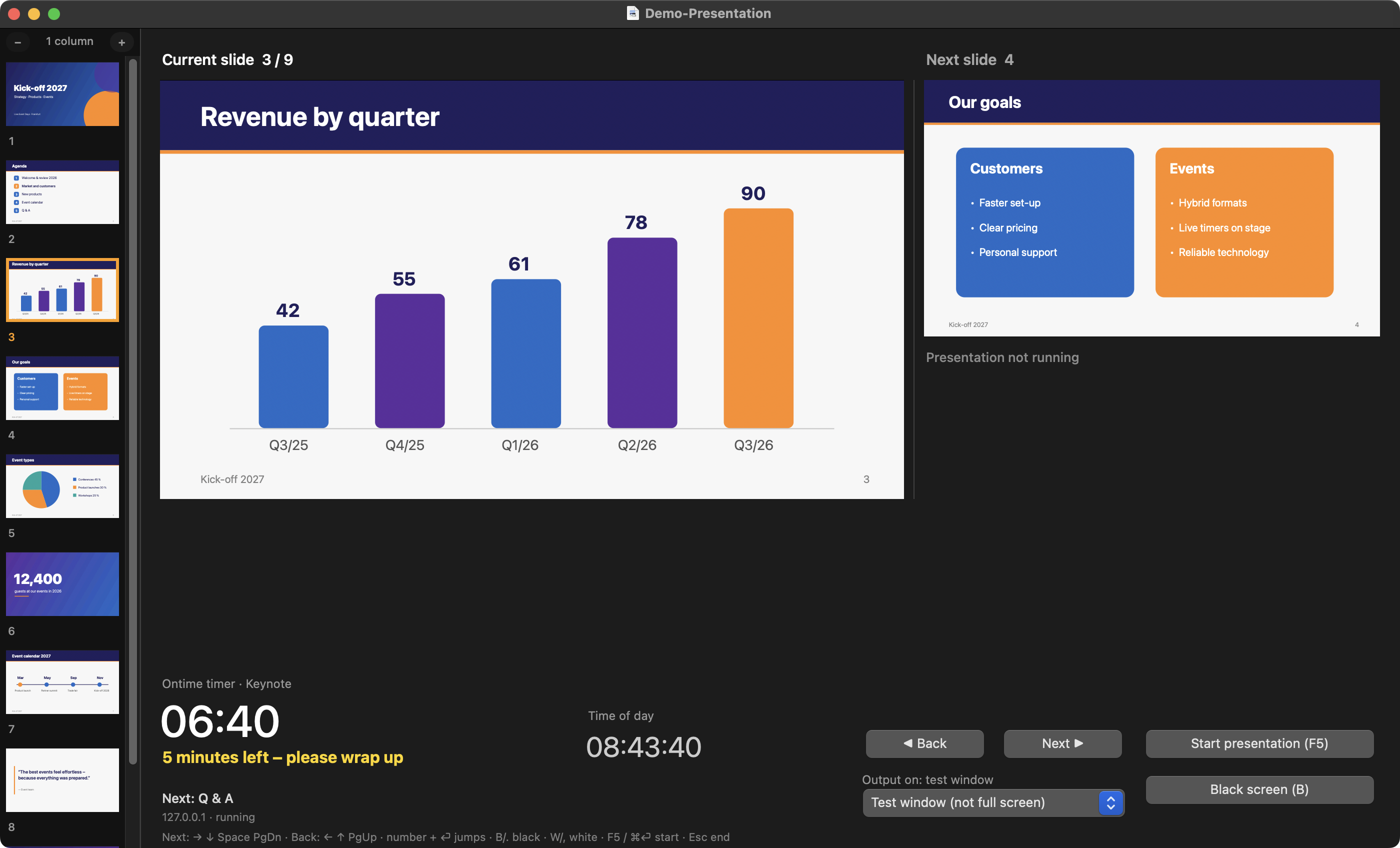
The slide runs borderless in full screen on the projector or monitor – automatically on the screen that does not show the presenter view.
Current and next slide side by side, with talk time and time of day below. You always know what comes next.
All slides as thumbnails on the left in 1 to 4 columns. One click jumps to a slide – without the audience noticing.
Every PowerPoint presenter remote works right away: arrow keys, Page Up/Down, Space, F5, Esc. Number + Enter jumps directly.
Press B or W to blank the screen – perfect for discussions. The next key brings the slide back.
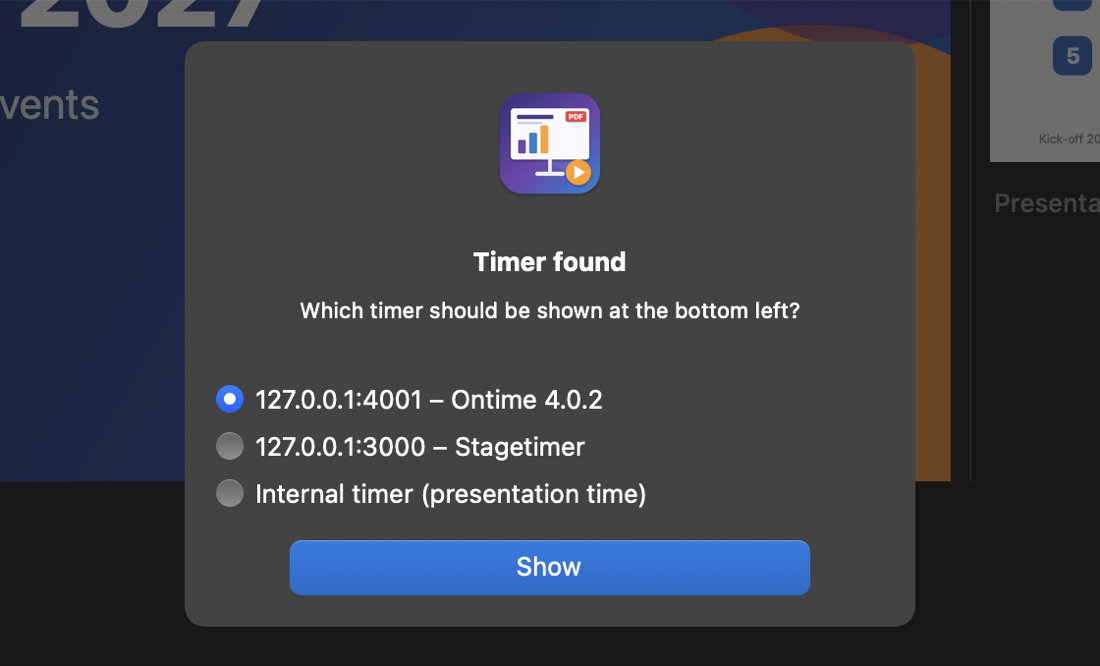
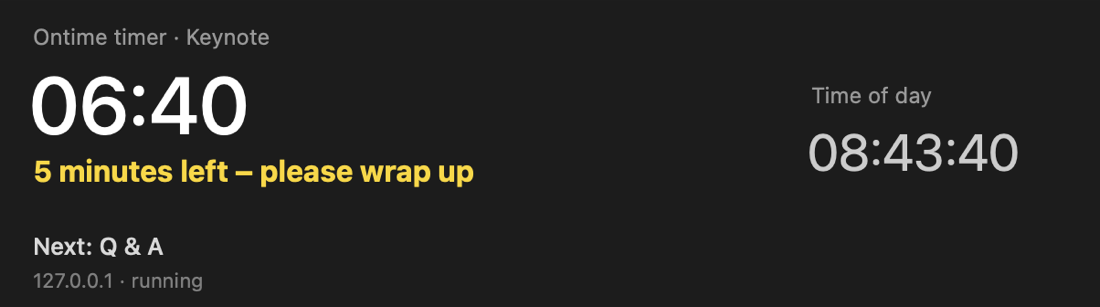
When the app finds Ontime or Stagetimer in the network, it asks which timer to use – Ontime, Stagetimer or the internal timer. The bottom left then shows only that timer with its stage message and secondary message.
Drag to change the width of the slide sidebar and the size of the current and next slide.
Vector PDFs are rendered at full projector resolution and prepared in advance – the next slide is there instantly.
One app for macOS (Apple Silicon and Intel) and Windows 10/11 – in English, German and French.
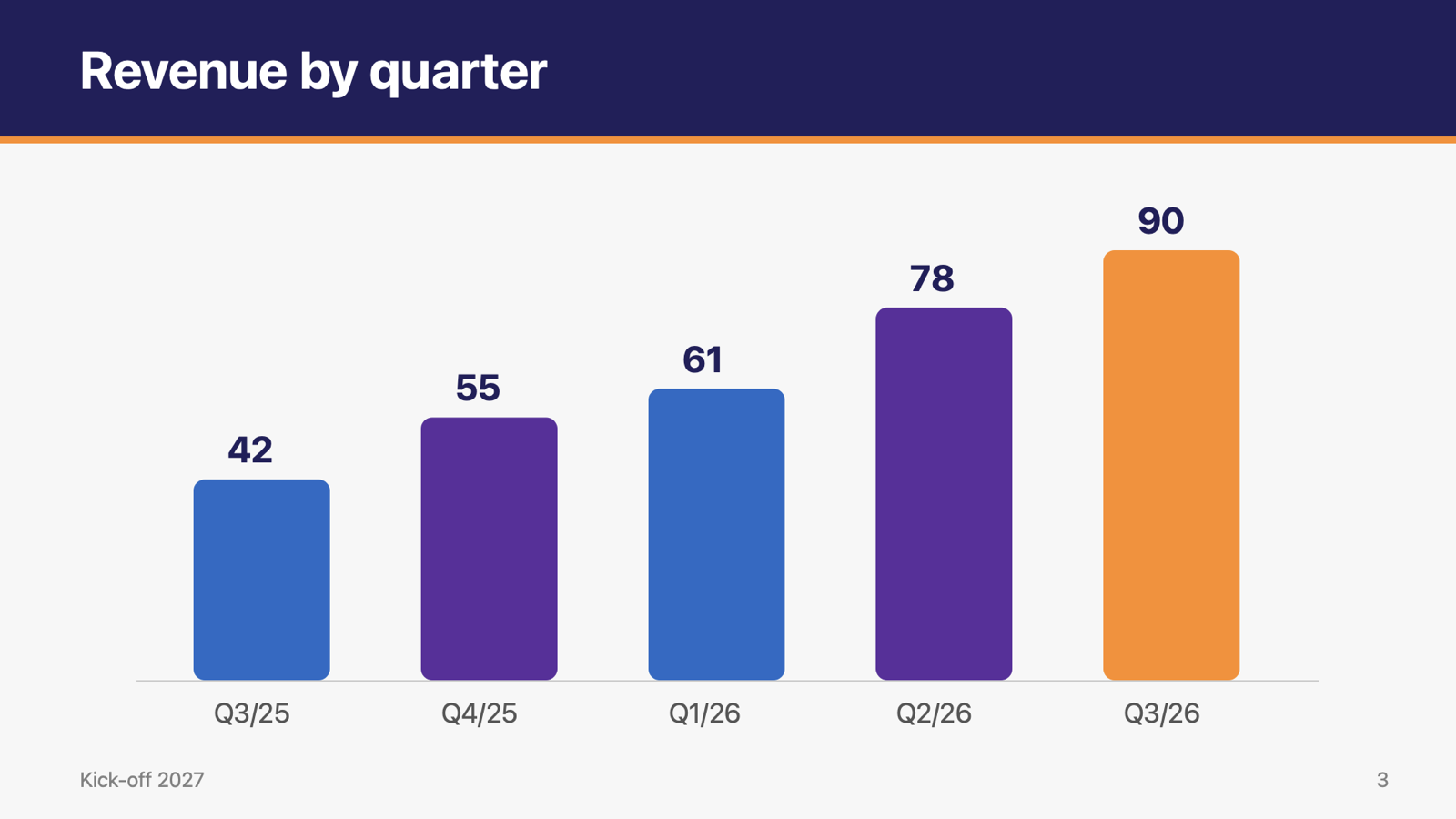
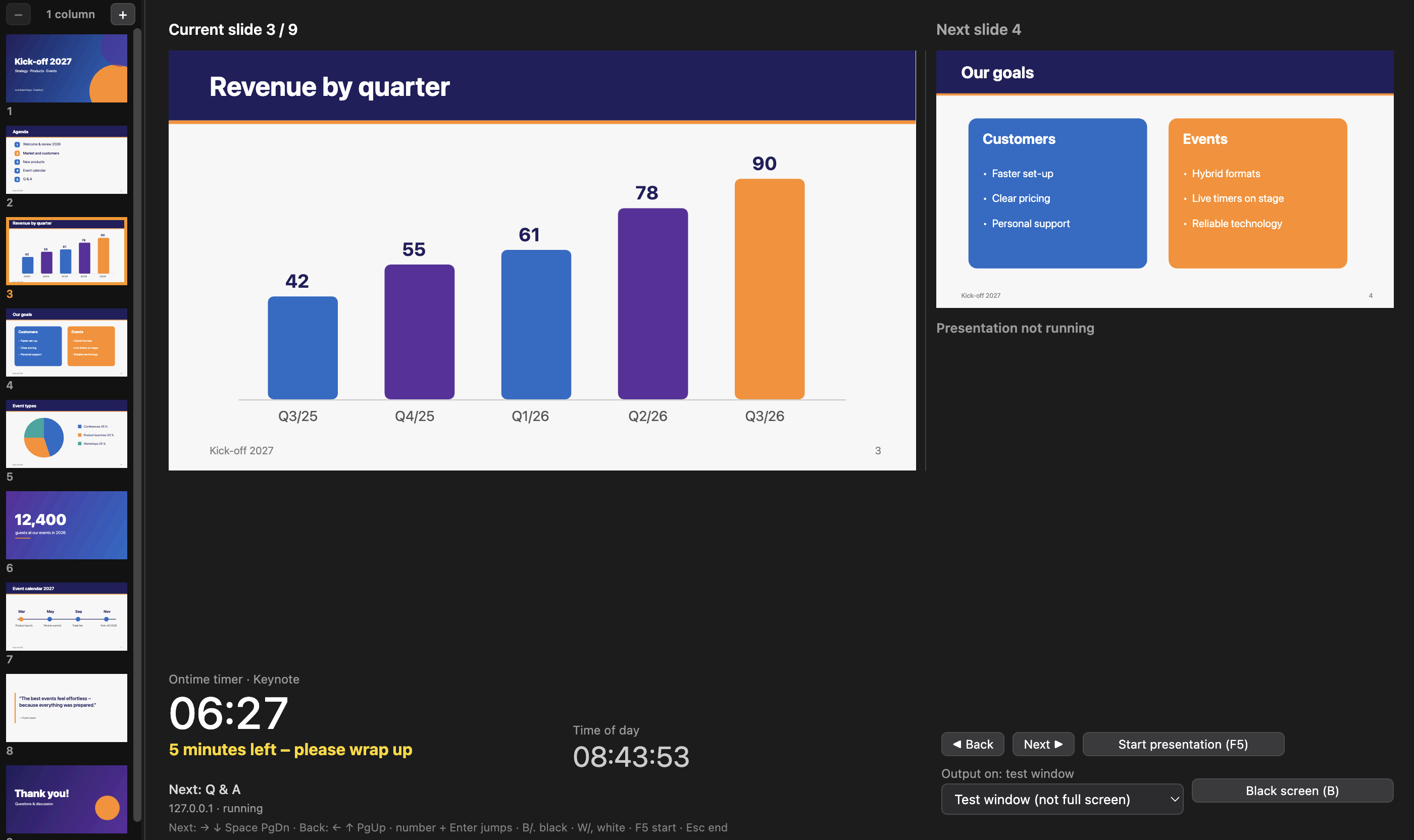
PDF-Presenter finds Stagetimer.io or Ontime in the network automatically and asks which timer to use – the internal timer can be chosen too. The bottom left of the preview always shows only the chosen timer with its messages – the audience sees none of it.
The free version has all features and presents for 10 minutes in total – the time used is kept after a restart. After registering for 10,00 € the app runs without limits.
Install it and try it for free.
In “Register …” click “Pay with PayPal – 10,00 €”. Please mention “medienwerk PDF-Presenter”, your name and e-mail address in the PayPal note.
“Send registration details” opens an e-mail with your name and e-mail address.
Paste the unlock code from our e-mail – done.
The license is personal and works on all your computers – activated with name, e-mail and code. For companies and event organizers a master license (1 year, any number of computers) is available on request.
Mac: on the first start right-click the app → “Open”. Windows: if SmartScreen appears, click “More info” → “Run anyway”.
All of them – exports from PowerPoint, Keynote, Google Slides, Canva, LibreOffice and others. Rotated pages and portrait format are shown correctly, too.
Yes. The presentation then fills the screen like in PowerPoint and the keys keep working. For rehearsals there is a test window.
Ontime (getontime.no) is a free stage timer. PDF-Presenter shows its countdown and never controls Ontime.
Stagetimer (stagetimer.io) is a stage timer in the browser or as a desktop app. PDF-Presenter shows the timer and message of a room – just enter the room ID and API key from Stagetimer. Stagetimer is never controlled.
The output on the second screen ends and the registration window opens. The presenter view keeps working.
 medienwerk PDF-Presenter