medienwerk.eu - the creative works for visual experiences and events

PTZControl shows up to eight network cameras with live image and controls them right in the picture: pan, tilt, zoom, recall presets. For livestreams, events, conferences – and the nest box.
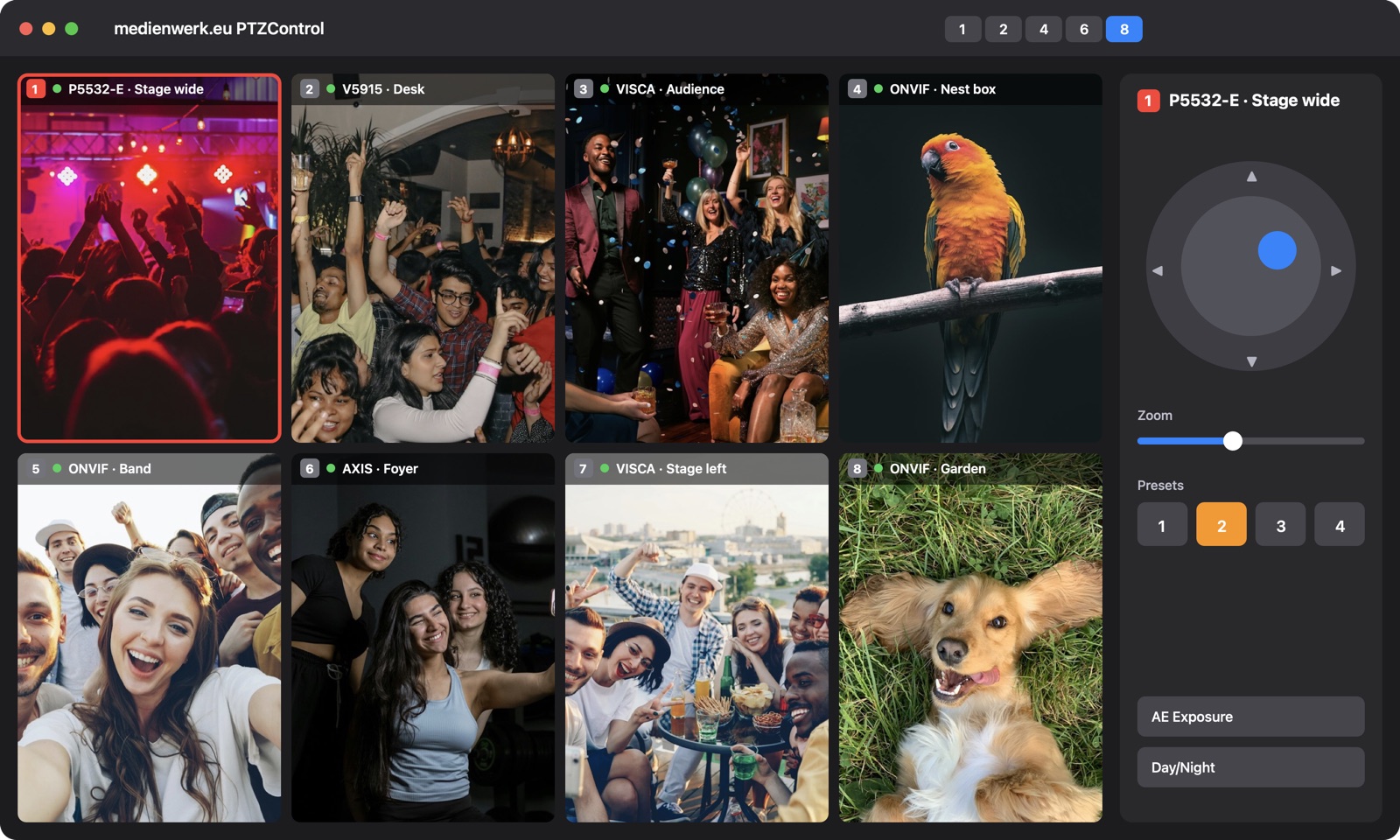
Views with 1, 2, 4, 6 or 8 cameras – one click or ⌥⌘1/2/4/6/8. The active camera is framed in red.
Joystick, arrow keys, click into the picture to center and scroll wheel to zoom.
Save positions with pan, tilt, zoom and focus and recall them at the push of a button.
Finds cameras automatically: WS-Discovery, Bonjour, VISCA and, if you like, an IP scan of your network.
MJPEG or RTSP with H.264/H.265 in full resolution, hardware accelerated.
Auto exposure, day/night switching (IR filter), rotate the image and brightness.
Restore recently connected cameras and complete setups with one click.
Drag cameras from the list onto a window – swap, replace, add.
All AXIS PTZ and fisheye cameras, e.g. P5532-E, V5915, M3007 with virtual views.
Cameras with ONVIF profile S, e.g. Tapo, Hikvision, Dahua and many PTZ cameras for livestreams.
Sony-compatible studio and conference cameras (UDP/TCP 52381, 5678, 1259).
On the first start macOS reports that the app could not be checked: System Settings ▸ Privacy & Security ▸ “Open Anyway” (macOS 14: right-click ▸ “Open”). Then allow access to the local network.
PTZControl is free and without limitations. If the program helps you, I would be happy about a small donation via PayPal – as a thank-you and to support further development.
 medienwerk.eu PTZControl